Record a Conversation
A simple recorder that runs in your browser. Press record, talk, and get a clean transcript — saved to a space you can share with a partner.
What the Recording Experience Looks Like
Organism is designed to get out of your way. Press record and focus on the conversation — the tool handles the rest.
- Live transcript — Words appear on screen in real time as you speak. You always know the recorder is working.
- Voice activity indicator — A visual level meter shows your audio input. If your microphone is too quiet or muted, you'll see it immediately.
- Silence detection — If three seconds pass with no audio, a gentle warning appears. No more recording ten minutes of silence by accident.
- Keyboard shortcuts — Press R to start and stop recording. Press Escape to stop. Quick and hands-free when your attention is elsewhere.
- Elapsed time — A timer shows how long you've been recording so you can keep track without watching the clock.
Privacy First
Organism gives you control over where your audio goes. Choose the mode that fits your needs:
- Device mode — Audio is processed entirely by your browser using the Web Speech API. Nothing is sent to any server. The trade-off is slightly lower accuracy in noisy settings.
- Cloud mode — Audio is sent to OpenAI's Whisper API for the highest accuracy. Per their API policy, audio is not stored or used for training.
- No persistent storage — We never store your audio or transcripts. Both exist only in your browser session. Close the tab and they're gone.
Read more about how your data is handled on our security page.
After You Stop Recording
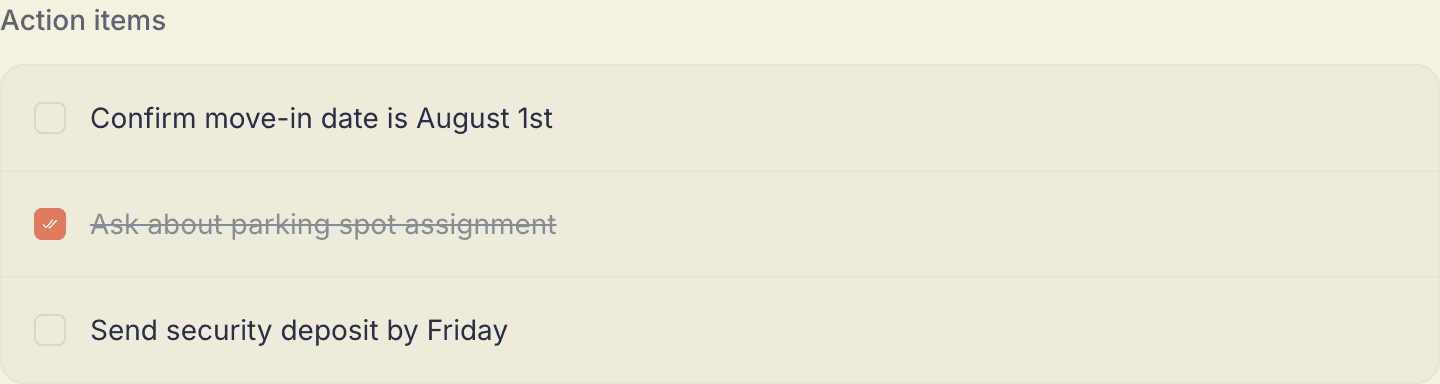
AI cleans up your transcript — removing filler words, fixing grammar, and organizing the text into paragraphs. Then you can:
- Copy the transcript to your clipboard
- Download the audio as a file
- Email the transcript to yourself
- Edit the transcript inline before sharing
Record It Once, Remember It Together
Recording a conversation is even more useful when you're not the only one who needs it later. Invite a partner and you both get a shared space — the landlord call, the vet visit, the mortgage conversation is there for both of you, not just whoever hit record.
Frequently Asked Questions
Does my audio get stored anywhere?
No. In device mode, audio never leaves your browser. In cloud mode, audio is processed by OpenAI's Whisper API and is not stored or used for training. We never store audio or transcripts on our servers.
How long can I record for?
There are no time limits. Record for as long as the conversation lasts.
Can I record a phone call?
You can place your phone near your laptop's microphone, or for video calls in the browser, use tab audio capture to record directly from the browser tab.
What happens if my microphone stops working mid-recording?
Organism shows a silence detection warning if no audio is detected for 3 seconds. You'll know immediately if something goes wrong so you can fix it.