Voice to Text — Right in Your Browser
No downloads. No installs. Convert speech to text using only your web browser — and keep it in a shared space both you and your partner can return to.
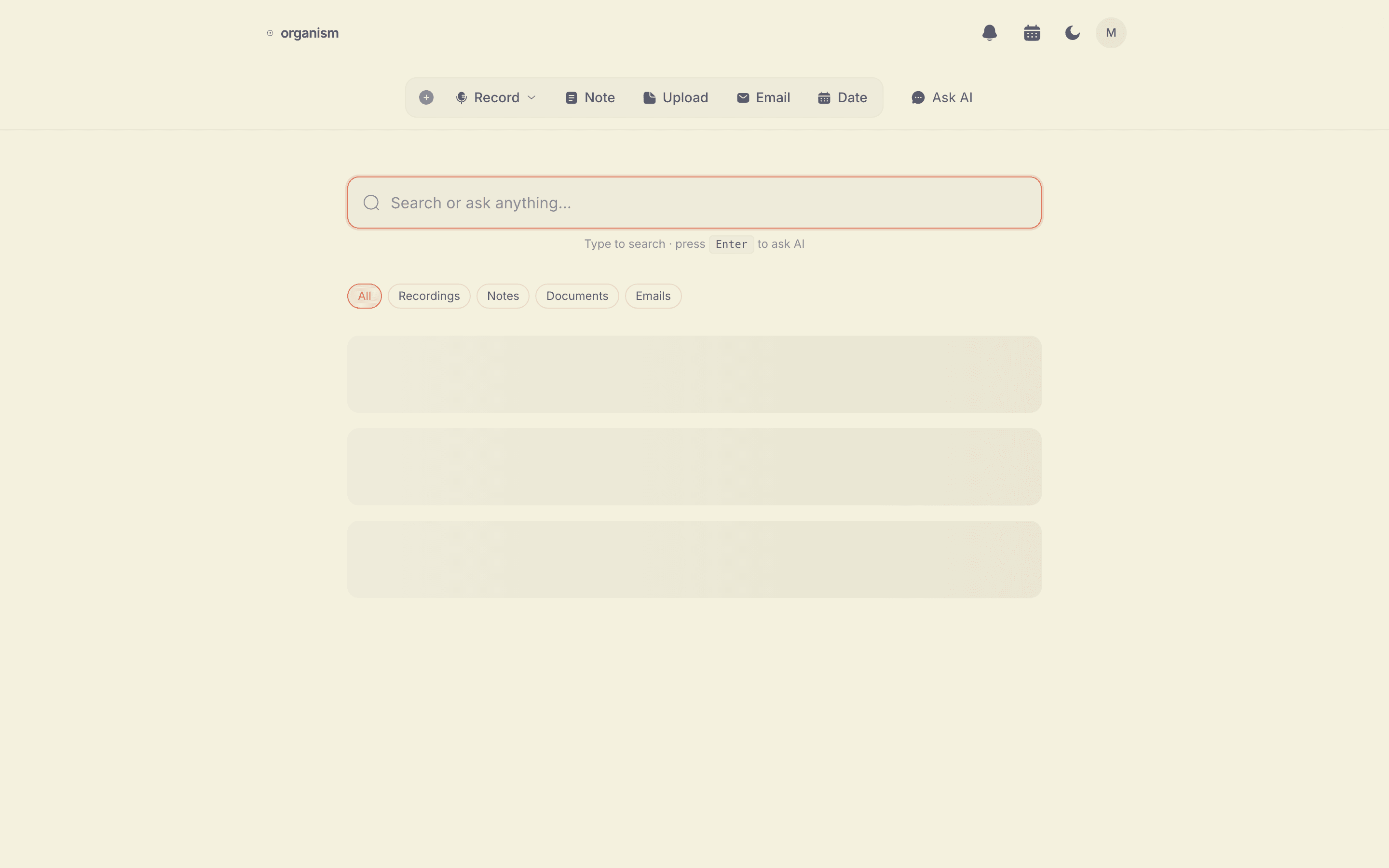
How Browser-Based Speech Recognition Works
Modern web browsers include a built-in speech recognition engine called the Web Speech API. This technology converts spoken words into text directly on your device, without sending audio to an external server.
Organism uses this browser-native capability to provide real-time voice-to-text conversion. When you speak into your microphone, the browser processes your audio locally and returns text. This happens in real time — you see words appearing as you speak.
Automatic Cleanup, Not Just Raw Text
Raw speech recognition output is messy. It misses punctuation, includes every filler word, and doesn't break text into paragraphs. That's useful as a starting point, but not as a finished document.
After you stop recording, Organism cleans up the raw text (not your audio) automatically:
- Adds proper punctuation and capitalization
- Removes filler words ("um", "uh", "like", "you know")
- Fixes grammar and recognition errors
- Organizes content into logical paragraphs
- Removes false starts and repeated phrases
The result is a clean, readable transcript that you can use immediately.
Browser Support
The Web Speech API is supported in most modern browsers, though the level of support varies:
| Browser | Support | Notes |
|---|---|---|
| Chrome | Full | Best accuracy, recommended |
| Edge | Full | Chromium-based, same engine |
| Safari | Good | macOS and iOS supported |
| Firefox | Limited | Partial support, may not work |
The Privacy Advantage
Most voice-to-text services upload your audio to cloud servers for processing. This means your conversations pass through third-party infrastructure, which raises privacy concerns — especially for sensitive content like business meetings, medical discussions, or personal notes.
Browser-based speech recognition processes audio locally on your device. With Organism, your audio never leaves your computer. Only the text transcript is sent to the AI for cleanup, and it's not stored after processing. Learn more in our privacy policy.
Use Cases
- Quick notes — Speak your thoughts and get organized text. Faster than typing.
- Meeting notes — Record meetings and get searchable transcripts automatically.
- Journal entries — Speak freely and get a polished journal entry without the friction of writing.
- Content drafts — Dictate blog posts, emails, or social media content. Edit the transcript instead of starting from a blank page.
- Brainstorm capture — Record brainstorming sessions and capture every idea without interrupting the flow.
- Accessibility — Voice input as an alternative to typing for users with motor disabilities or repetitive strain injuries.
Voice to Text vs. Dictation Software
Desktop dictation software (like Dragon NaturallySpeaking) offers highly accurate voice input but requires installation, licensing fees, and setup. Browser-based voice-to-text is less customizable but works instantly on any computer with a modern browser — no installation needed.
For most people transcribing conversations, meetings, or quick notes, a browser-based tool like Organism is the simplest option. For specialized professional dictation (medical, legal), dedicated software may offer better vocabulary support.
Also Great for Couples
Voice to text isn't just for solo notes. Organism gives you and a partner a shared space — invite them once, and anything either of you converts from voice to text is visible to both of you, searchable later.
Frequently Asked Questions
Does this work without installing anything?
Yes. Voice to text runs entirely in your browser using the Web Speech API — there's nothing to download or install.
Can two people use the same space for this?
Yes. Organism is built around a shared space for couples — invite your partner and anything either of you records or writes is visible to both.
Is my voice data private?
Your audio is processed by your browser's built-in speech recognition and never uploaded. Only the resulting text is sent for cleanup.