Free Online Transcription Tool
Record any conversation and get a clean, polished transcript in seconds. No downloads, no accounts, no limits.
How It Works
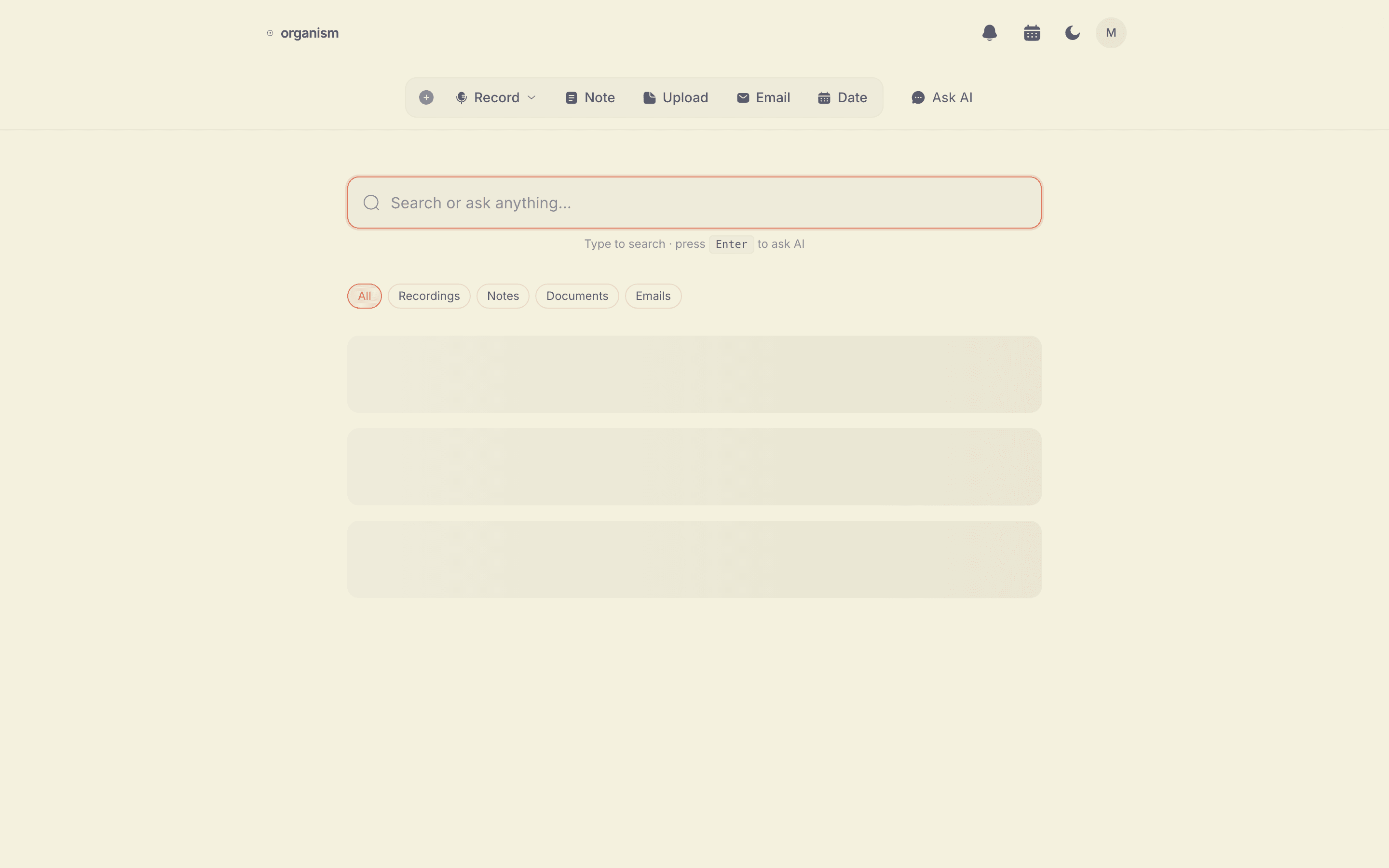
- Record — Open Organism in your browser and press the record button. Speak naturally into your microphone.
- Transcribe — Your browser converts speech to text in real time using built-in speech recognition. Audio stays on your device.
- Get Clean Results — When you stop recording, our AI cleans up the transcript: fixing grammar, removing filler words like "um" and "uh", and organizing it into readable paragraphs.
Features
- Browser-based — Works in Chrome, Edge, and Safari. No software to install.
- Automatic cleanup — Raw transcripts are polished into clean, readable text.
- Multiple export options — Copy to clipboard, download as a text file, or email the transcript to yourself.
- No account required — Start recording immediately. No sign-up forms, no email verification.
- Unlimited use — No recording time limits, no daily caps, no word count restrictions.
Privacy First
Unlike most transcription services, Organism processes audio entirely in your browser. Your audio is never uploaded to a server. Only the text transcript is sent to our AI for cleanup, and transcripts are not stored after processing. Read our privacy policy for full details.
Supported Browsers
Organism uses the Web Speech API, which is supported in most modern browsers:
- Google Chrome (desktop and Android) — best support
- Microsoft Edge — full support
- Safari (macOS and iOS) — supported
- Firefox — limited speech recognition support
For the best experience, we recommend using Chrome.
Also Great for Couples
This tool isn't limited to one person. Invite a partner and you both get a shared space — free transcripts either of you records are visible to both.
Frequently Asked Questions
Is this transcription tool really free?
Yes, completely free. There are no hidden fees, no premium tiers, and no usage limits. You can record and transcribe as many conversations as you want.
Do I need to create an account?
No. You can start recording immediately without signing up. If you want your transcript emailed to you, you can optionally enter your email after recording.
Is my audio stored on your servers?
No. Audio is processed entirely in your browser using the Web Speech API. Only the text transcript is sent to our AI for cleanup. Your audio never leaves your device.
What languages are supported?
Organism uses your browser's built-in speech recognition, which supports most major languages including English, Spanish, French, German, Portuguese, Chinese, Japanese, and many more. Language support depends on your browser.
How accurate is the transcription?
Raw speech recognition is typically 85-95% accurate in good conditions. Our AI cleanup step corrects grammar, removes filler words, and fixes common recognition errors to produce a polished, readable transcript.